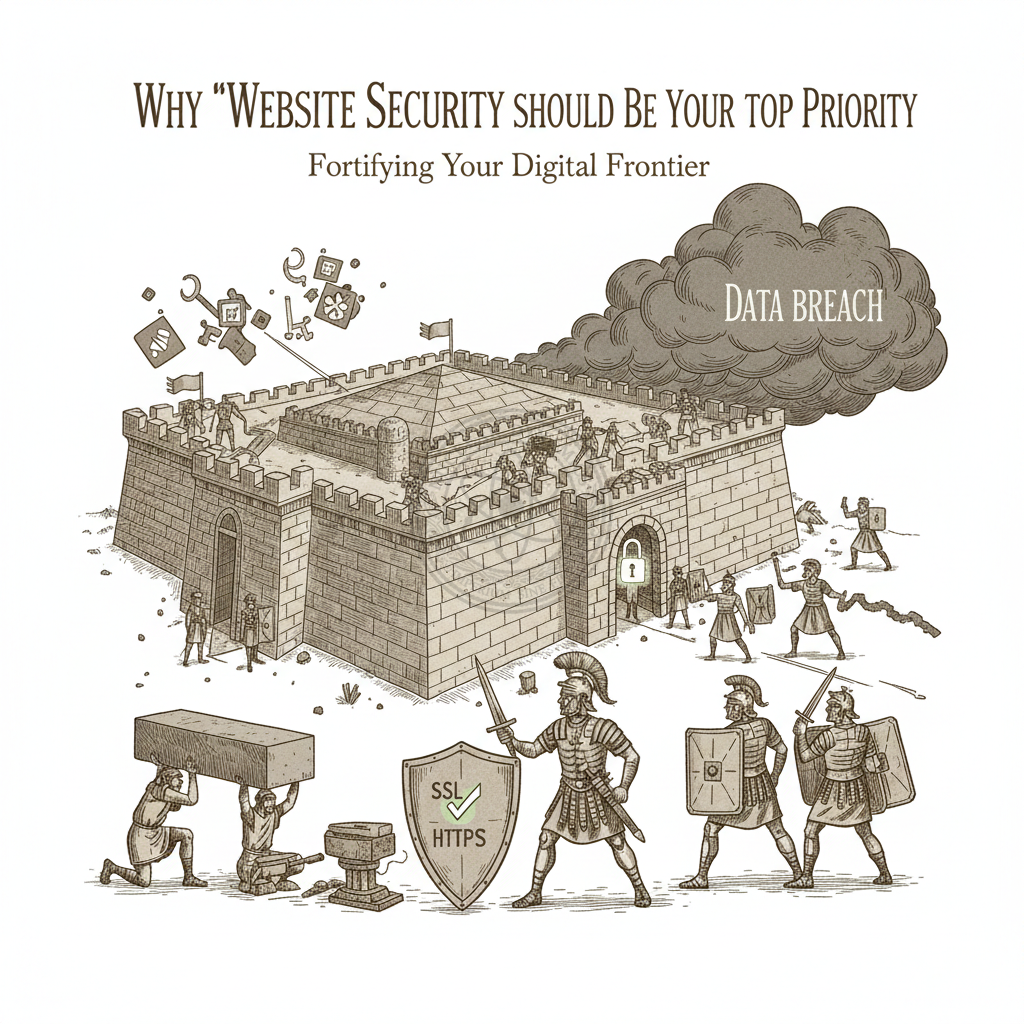
Every day, countless websites fall victim to cyberattacks. Small businesses often assume they’re too insignificant to be targeted, but that’s a dangerous misconception. Hackers don’t discriminate based on company size—they look for vulnerabilities, and an unsecured website is an open invitation.
The consequences of a security breach extend far beyond temporary downtime. You risk losing customer trust, facing legal ramifications, suffering financial losses, and damaging your brand reputation in ways that can take years to repair. Understanding why website security matters and how to protect your digital assets isn’t optional anymore—it’s essential for survival in today’s online landscape.
The Real Cost of Security Breaches
When a website gets hacked, the immediate damage is just the beginning. The average cost of a data breach now exceeds $4 million globally, but for small to medium-sized businesses, even a fraction of that can be devastating.
Consider what happens when customer data gets compromised. Beyond the direct costs of notifying affected users and implementing security fixes, you face potential lawsuits, regulatory fines under laws like GDPR or CCPA, and the immeasurable cost of lost customer confidence. Once your customers learn their personal information was exposed through your site, many will never return.
Search engines also penalize compromised websites. If Google detects malware on your site, they’ll flag it with a warning that appears before visitors can access your content. This warning alone can tank your traffic overnight. Even after you clean up the infection, rebuilding your search rankings can take months.
There’s also the operational disruption. A serious attack might require taking your site offline completely while you investigate and remediate. Every hour your site is down means lost revenue, missed leads, and frustrated customers who may turn to competitors. For e-commerce sites, this can translate to thousands or tens of thousands of dollars in direct losses.
Common Security Threats You Face
Understanding what you’re up against helps you prioritize your security efforts. Modern websites face an evolving array of threats, each with its own tactics and consequences.
Malware infections remain one of the most prevalent threats. Attackers inject malicious code into your site that can steal visitor information, redirect users to phishing sites, or use your server to spread infections to others. This malware often hides in outdated plugins, themes, or core files, silently compromising your site without obvious symptoms.
Brute force attacks involve automated scripts that systematically try thousands of username and password combinations to break into your admin panel. If you’re using common usernames like “admin” or weak passwords, these attacks can succeed surprisingly quickly. Once inside, attackers can deface your site, steal data, or install backdoors for future access.
SQL injection attacks exploit vulnerabilities in your database queries to access, modify, or delete sensitive information. Poorly coded contact forms, search functions, or user input fields can become entry points for these attacks. A successful SQL injection can expose your entire database, including customer records, payment information, and proprietary business data.
Cross-site scripting (XSS) allows attackers to inject malicious scripts into pages viewed by other users. When visitors access these compromised pages, the scripts execute in their browsers, potentially stealing session cookies, capturing keystrokes, or redirecting to malicious sites. This is particularly dangerous for sites with user-generated content or comment sections.
Distributed Denial of Service (DDoS) attacks overwhelm your server with traffic from multiple sources, making your site inaccessible to legitimate visitors. While these attacks don’t necessarily steal data, they can cripple your online presence and are sometimes used as a smokescreen for other intrusions.
Phishing attacks targeting your staff or customers represent another major threat. Attackers might create fake login pages mimicking your site to harvest credentials, or send emails appearing to come from your domain to trick recipients into revealing sensitive information.
Essential Security Measures Every Website Needs
Protecting your website doesn’t require a massive budget or technical expertise, but it does require consistent attention and following established best practices.
SSL certificates encrypt data transmitted between your visitors’ browsers and your server, protecting sensitive information like passwords and payment details from interception. Beyond security, SSL is now a ranking factor for search engines, and browsers display warnings for non-HTTPS sites. Most hosting providers offer free SSL certificates through Let’s Encrypt, making this a no-brainer security measure.
Regular software updates represent your first line of defense against known vulnerabilities. Every outdated plugin, theme, or CMS version is a potential entry point. Hackers actively scan for sites running vulnerable software, then exploit those weaknesses using readily available tools. Implementing automatic updates for minor patches and scheduling regular manual reviews for major updates keeps your software current.
Strong authentication practices significantly reduce your attack surface. This means enforcing complex password requirements, changing default usernames, implementing two-factor authentication for admin access, and limiting login attempts to thwart brute force attacks. Consider requiring different permission levels for different users so that not everyone has administrative access.
Web Application Firewalls (WAF) filter malicious traffic before it reaches your site. These tools analyze incoming requests and block patterns associated with common attacks like SQL injection, XSS, and known malware signatures. Many hosting providers and security services offer WAF protection as part of their packages.
Regular backups won’t prevent attacks, but they ensure you can recover quickly when something goes wrong. Automated daily backups stored in multiple locations—including off-site storage—mean you can restore your site to a clean state if it gets compromised. Test your backup restoration process regularly to ensure it actually works when you need it.
File integrity monitoring alerts you when files on your server change unexpectedly. Since many attacks involve modifying core files or injecting malicious code, detecting these changes quickly allows you to respond before significant damage occurs.
Database security deserves special attention since it contains your most valuable information. Use unique prefixes for database tables instead of defaults, limit database user privileges to only what’s necessary, and sanitize all user inputs to prevent injection attacks.
The Human Element in Website Security
Technology alone can’t protect your website if your team isn’t security-conscious. Many breaches occur because someone clicked a phishing email, used a weak password, or fell victim to social engineering.
Security training for everyone who has access to your website is crucial. They should understand how to recognize phishing attempts, why password security matters, and the importance of being cautious about what they install or modify. Regular training sessions keep security top-of-mind.
Access control means limiting who can do what on your website. Not everyone needs administrative privileges. Create user accounts with permissions appropriate to each person’s role, and remove access immediately when someone leaves your organization or changes positions.
Vendor security extends your security perimeter to third parties. If you use external services, plugins, or tools, you’re trusting them with access to your site. Research vendors before integrating their solutions, keep track of all third-party access, and audit these connections regularly.
Ongoing Monitoring and Maintenance
Website security isn’t a one-time setup—it requires continuous vigilance. Threats evolve constantly, and new vulnerabilities emerge in software you’re already running.
Security scanning should happen regularly, either through automated tools or professional security audits. These scans identify malware, outdated software, configuration weaknesses, and other vulnerabilities before attackers exploit them. Many security services offer continuous monitoring that alerts you to issues in real-time.
Log monitoring helps you spot suspicious activity early. Regular review of server logs, access logs, and error logs can reveal patterns suggesting an attack is underway, like multiple failed login attempts, unusual traffic spikes, or access to files that shouldn’t be publicly accessible.
Uptime monitoring ensures you know immediately if your site goes down. Whether it’s due to an attack, a technical failure, or a hosting issue, the faster you know about downtime, the faster you can respond and minimize impact.
Security patches sometimes require immediate attention. When a critical vulnerability is discovered in widely-used software, attackers race to exploit it before site owners can patch it. Having a process to quickly apply emergency updates can mean the difference between staying secure and getting compromised.
Compliance and Legal Considerations
Depending on your business and location, you may be legally required to maintain certain security standards. Regulations like GDPR in Europe, CCPA in California, HIPAA for healthcare, and PCI DSS for payment processing all impose specific security requirements.
Non-compliance can result in substantial fines, legal action, and mandatory disclosure of breaches. Understanding which regulations apply to your business and ensuring your website meets those standards protects you from both security incidents and regulatory consequences.
Even if you’re not subject to specific regulations, basic security practices demonstrate due diligence. In the event of a breach, showing that you took reasonable security measures can mitigate legal and financial liability.
Choosing the Right Security Solutions
The security landscape offers countless tools, services, and approaches. Choosing what’s right for your site depends on your specific situation, budget, and risk tolerance.
For small informational sites with limited traffic, basic security measures—SSL, regular updates, strong passwords, and automated backups—might suffice. Combine these with a reputable hosting provider that offers server-level security, and you’ve covered the essentials.
Medium-sized business sites, especially those handling customer data or processing transactions, should consider additional layers like WAF protection, professional security monitoring, and potentially hiring a security consultant for periodic audits.
Enterprise sites and high-value targets need comprehensive security programs including dedicated security teams, penetration testing, advanced threat detection, DDoS mitigation, and comprehensive incident response plans.
Don’t overlook security plugins and services specifically designed for your platform. WordPress, Drupal, Joomla, and other popular CMS platforms have robust security ecosystems with proven solutions for common threats.
Making Security Part of Your Culture
The most secure websites belong to organizations that treat security as an ongoing priority rather than an afterthought. This means building security considerations into every decision, from choosing hosting providers to adding new features.
When evaluating new plugins, themes, or services, security should be a primary consideration. Is the developer reputable? How often is the software updated? Does it follow security best practices? Has it had security issues in the past, and how were they handled?
Regular security reviews—quarterly or at least annually—help ensure your defenses remain current as your site evolves and threats change. These reviews should reassess your entire security posture, not just check that existing measures still work.
The Bottom Line on Website Security
Website security isn’t glamorous, and investing in it won’t directly generate revenue. But failing to invest in security can destroy revenue, reputation, and customer relationships in remarkably short order.
The question isn’t whether you can afford to prioritize security—it’s whether you can afford not to. A compromised website can cost exponentially more to remediate than it would have cost to secure properly in the first place.
Start with the fundamentals: SSL, regular updates, strong authentication, and reliable backups. Build from there based on your specific needs and risk profile. And remember that security is a process, not a product. The time you invest in protecting your website today prevents crises tomorrow.
Your website represents your business in the digital world. Protecting it protects everything you’ve built, every customer relationship you’ve developed, and every opportunity you have to grow. Make security a priority now, before you’re forced to make it one by circumstance.